RUN THE INSTALLER
Open JBTradeScanner-Setup-1.1.0.exe and click through. If Windows shows "Windows protected your PC", click More info → Run anyway. This appears for new apps that aren't widely downloaded yet.
Free 24-hour trial with 10 scans. Bought it already? Sign in with the same Google account in the app and it unlocks.
JBTradeScanner-Setup-1.1.0.exe · 64 MB · 64-bit
Your download should start now. If it doesn't, click here.
Open JBTradeScanner-Setup-1.1.0.exe and click through. If Windows shows "Windows protected your PC", click More info → Run anyway. This appears for new apps that aren't widely downloaded yet.
On the License page, click Sign in with Google and use the account you bought with, or click Start free trial.
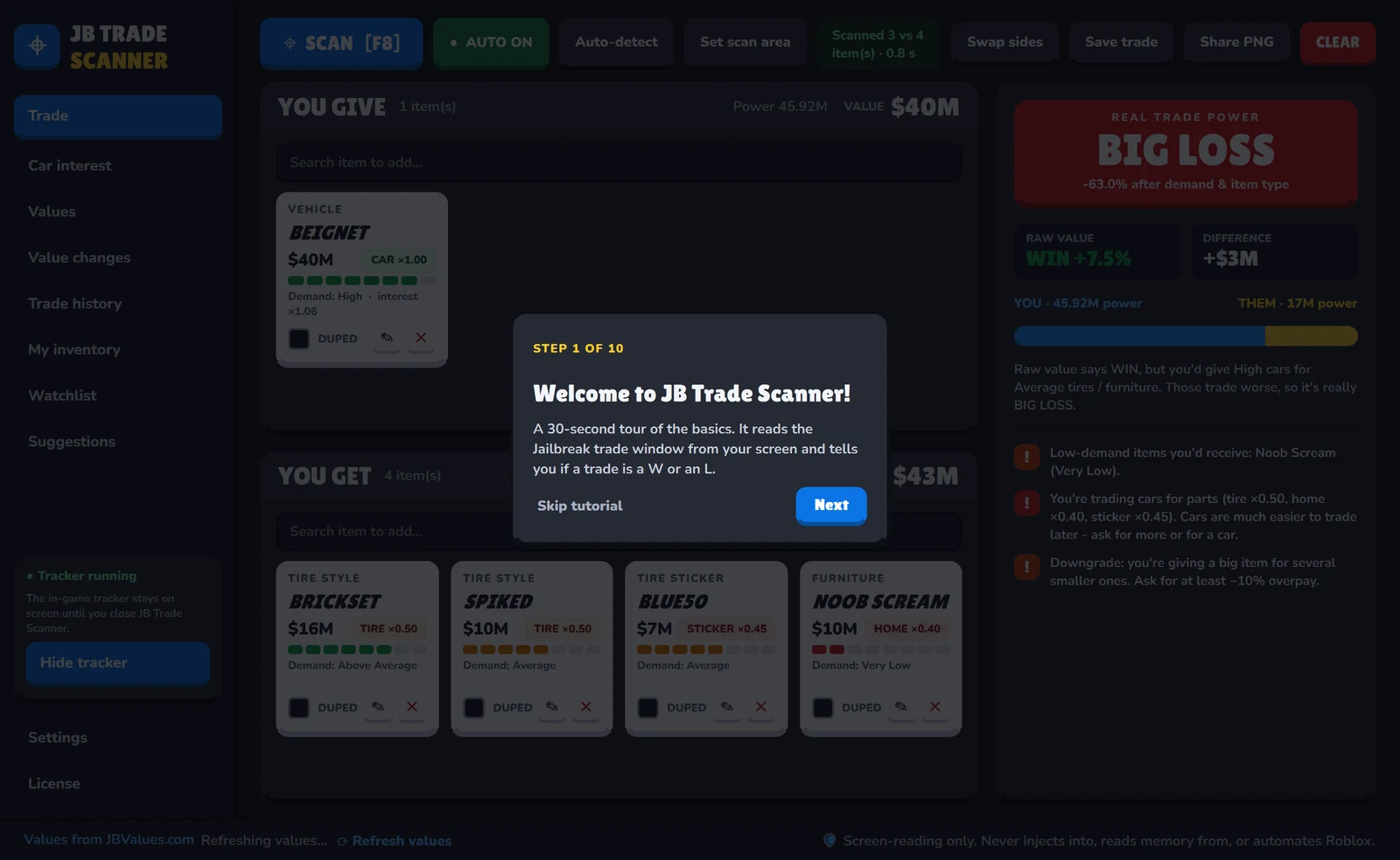
Trade in Jailbreak like normal. Auto-scan finds the trade window and the tracker shows the verdict. You can also press F8.
JB Trade Scanner only takes screenshots of the trade window and reads them with Windows' built-in text recognition. It never injects into Roblox, never reads game memory and never clicks or types for you.